TELOS · TELOS editorial team
IPTV magazine: practical guides for your own source
Your source. Your device. A clearer way to watch.
Start with your question, check the current device status, and make one change at a time.
Set up TELOS: practical guides
Picture and sound do not match: how to narrow down the cause
Sound too early or too late? Isolate the cause with TV speakers, soundbar and connection checks. Includes a test log and a self-made sync clip.
One remote for TV, streamer and soundbar: check your setup
Control your TV, streamer and soundbar. Check HDMI-CEC, infrared and volume, and shorten the route to your favourite channel.
Set up TELOS: get started with your own playlist
Set up TELOS on Fire TV, iPhone, iPad and Apple TV: install the app, connect your own access and test playback with one channel.
German TV abroad: what to check before your trip
Watch German TV abroad: check account country, plan, destination and device. Use this travel checklist to separate content rights, player and data roaming.
How to switch to TV without a cable connection
Keep watching without cable TV: check your TV, channels and internet. Plan your shopping list, calculate costs and follow a clear switching process.
TV in a motorhome without a satellite dish: your travel setup
Plan streaming in a motorhome: compare three setups, power and data use. Estimate how long 50 GB will last and check reception at your site.
IPTV recordings: what stays saved and what is only available later?
Recording is not the same as downloading. Compare storage, deletion periods and offline use, with cited examples and a checklist before changing plans.
Watch TV for free: when to use a broadcaster app or a player
Free live TV through ARD, ZDF and other official services: when a broadcaster app is enough and when TELOS needs a source of your own.
TELOS free or Premium: find the right way to get started
Free download, playback purchase and additional playlists: understand TELOS on iPhone, iPad, Apple TV and Fire TV.
IPTV delay: what you can measure and change
Stable picture but late goal celebrations? Measure your IPTV stream, distinguish timeshift from buffering, and check device, app and source.
TELOS login not working? How to check your access
Can TELOS not connect to your source? Check your Xtream details, M3U link, provider status and connection limit before resetting the app.
Several TVs, one IPTV access: what can really run at once
One IPTV access on several TVs? Check registered devices, simultaneous streams, TELOS profiles and app activation before setup.
Switching from TiviMate to TELOS: plan the move
Add or replace TiviMate with TELOS: check access, set up your playlist again and verify the EPG. Includes a safe-switch checklist.
A stuttering picture does not reveal where the fault lies. Use this ten-minute log to collect comparable observations before changing settings.
Understand IPTV

Choosing an IPTV player: your viewing habits decide
The right player proves its value from the moment you switch it on until you pick up where you left off. Use your own source and three typical viewing scenarios to find the features you actually need.
What is IPTV? A clear beginner’s guide
IPTV means television delivered over internet networks. The term alone does not identify who owns the content or which player you need.
Is IPTV legal? Rights basics for EU and US users
IPTV is a delivery technology. The legal question is whether the source is authorized to distribute the content.
Check an IPTV provider: rights, player access and total cost
First check whether the offer works with the player you plan to use. Then look for verifiable provider details, terms of use and the full price.
Set up your source
Set up an Android TV box for IPTV: check the source
A TV box is set up only when the required access is easy to use with its remote. Prepare the source, device and household routine, including TELOS’s current status.
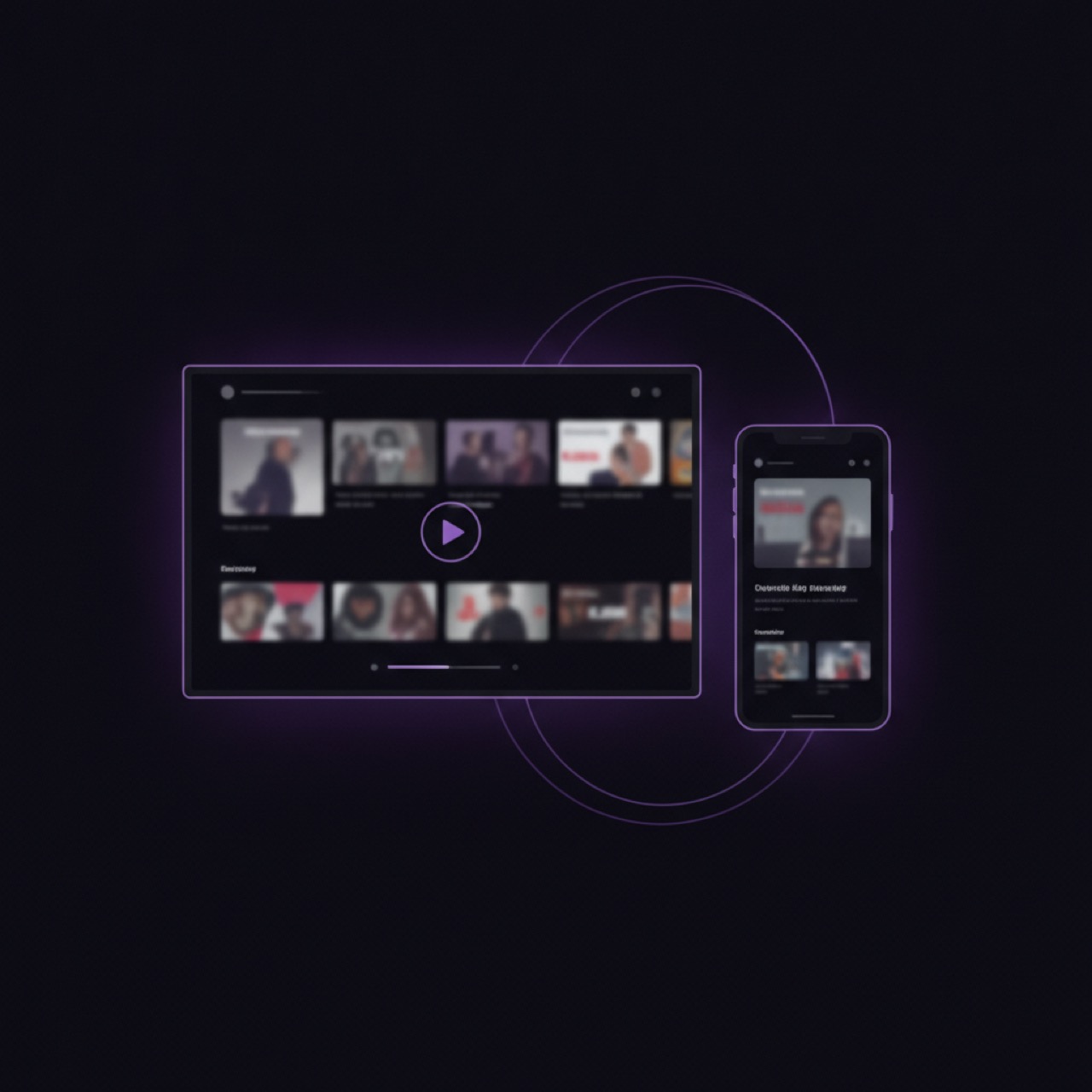
TELOS from iPhone to TV: AirPlay or native app?
Send content from an iPhone to a compatible AirPlay receiver, or open TELOS directly on an Apple TV device. These routes have different requirements and are not the same as Google Cast.

Set up an M3U player: understand playlists, EPG and Xtream
A channel list, programme data and a provider login do different jobs. Keeping them separate makes it easier to set up an M3U player.

Watch live sports on IPTV with your own source
A player can open a sports stream from your provider, but it does not supply event rights or guarantee a live feed.
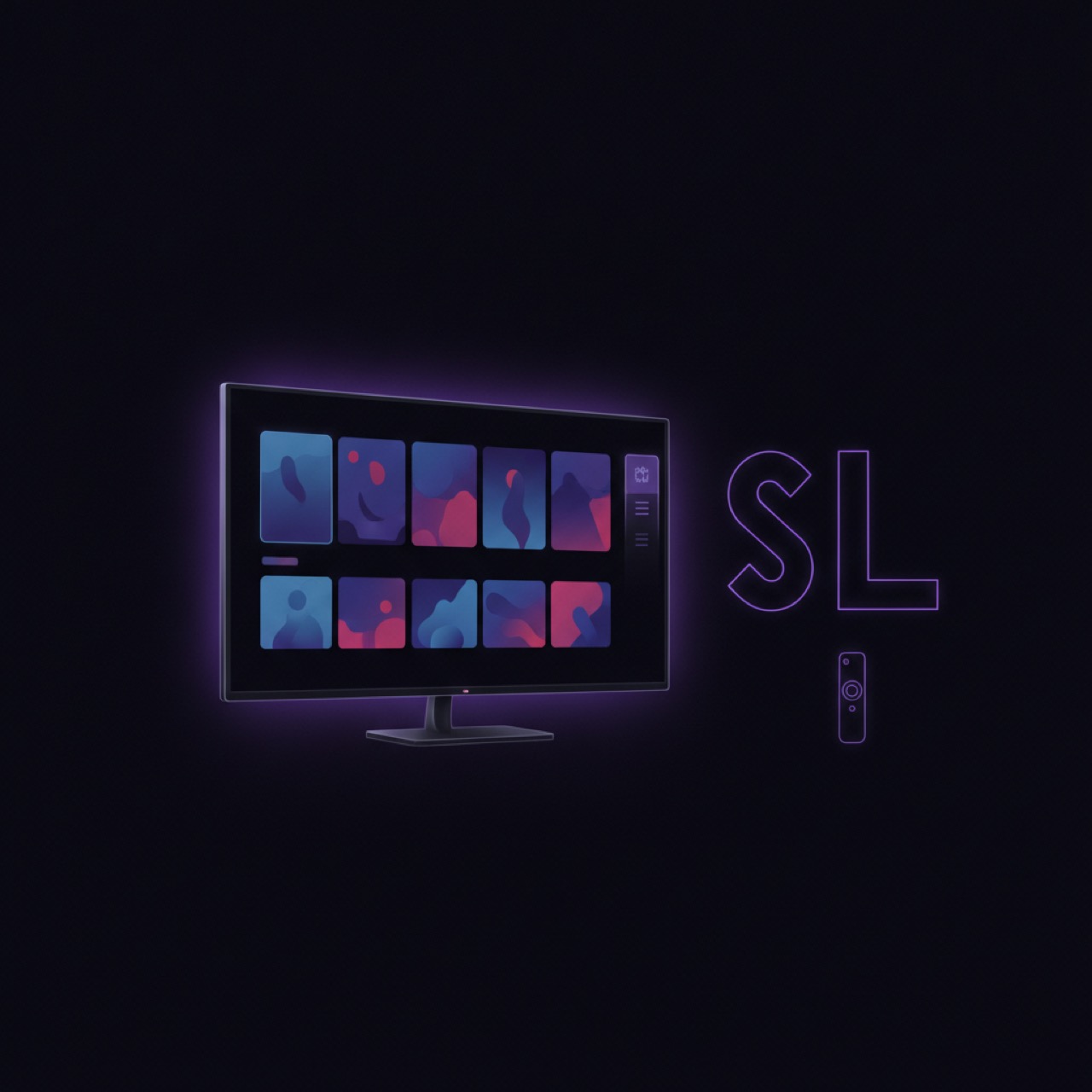
TELOS on Samsung and LG: plan your route to the TV
You want to watch your own channel and film selection on a Samsung or LG TV. The key is whether the app runs on the TV itself or a connected device. The native TELOS versions are still under store review.
Xtream Codes player: enter details and troubleshoot
Xtream Codes uses provider-supplied connection details. Keep them private and verify each value with the provider before troubleshooting.
Solve playback problems
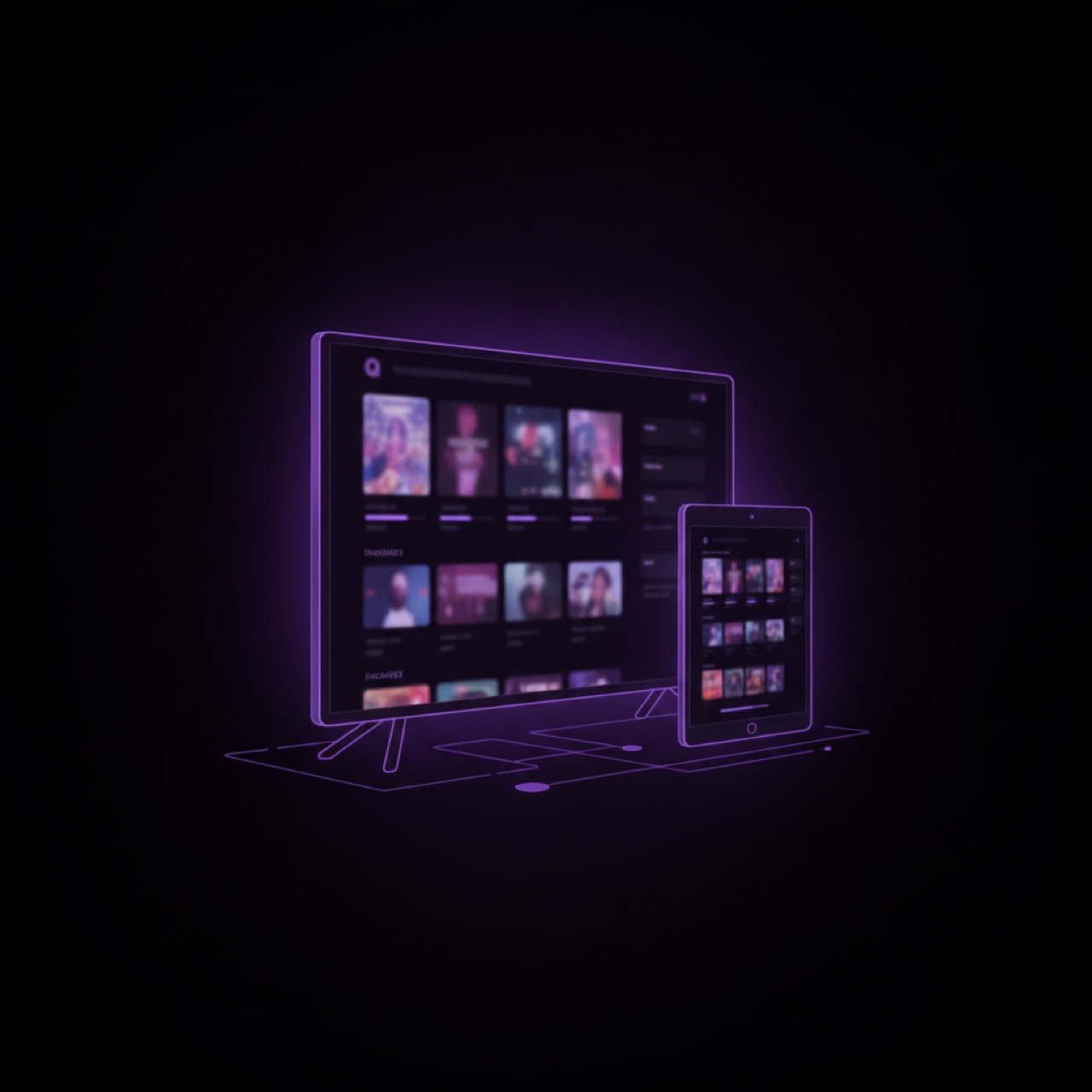
IPTV looks blurry in 4K? Check the source and signal path
A 4K indicator on the TV may describe the output resolution while the channel sends a lower-resolution picture. Compare the same scene to find where quality is limited.

IPTV stuttering: a 10-minute buffering check
A stuttering picture does not reveal where the fault lies. Use this ten-minute log to collect comparable observations before changing settings.

IPTV: are 50, 100 or 250 Mbps enough at home?
The right plan depends on what your household uses at the same time. A clear household estimate is more useful than a universal minimum speed for every IPTV stream.
EPG help: missing guide or wrong programme time
A channel can play while its programme guide remains empty. Start by separating the provider’s guide data from playback, then check one thing at a time.